Production example
A live production created with automatic camera switching driven by the active speaker.
Tools designed to work with vMix. Auto Camera automates the camera mix and is free with no time limit or feature restrictions for non-commercial use and testing. Ducking Audio automates audio control. More plugins coming soon.
Watch Auto Camera follow a conversation and switch between three cameras in real time. The fourth window shows the finished mix — created automatically, without a camera operator or vision mixer.
These plugins were designed for real live productions made in vMix. Tested and used during hundreds of hours of live production and streaming.
 Auto Camera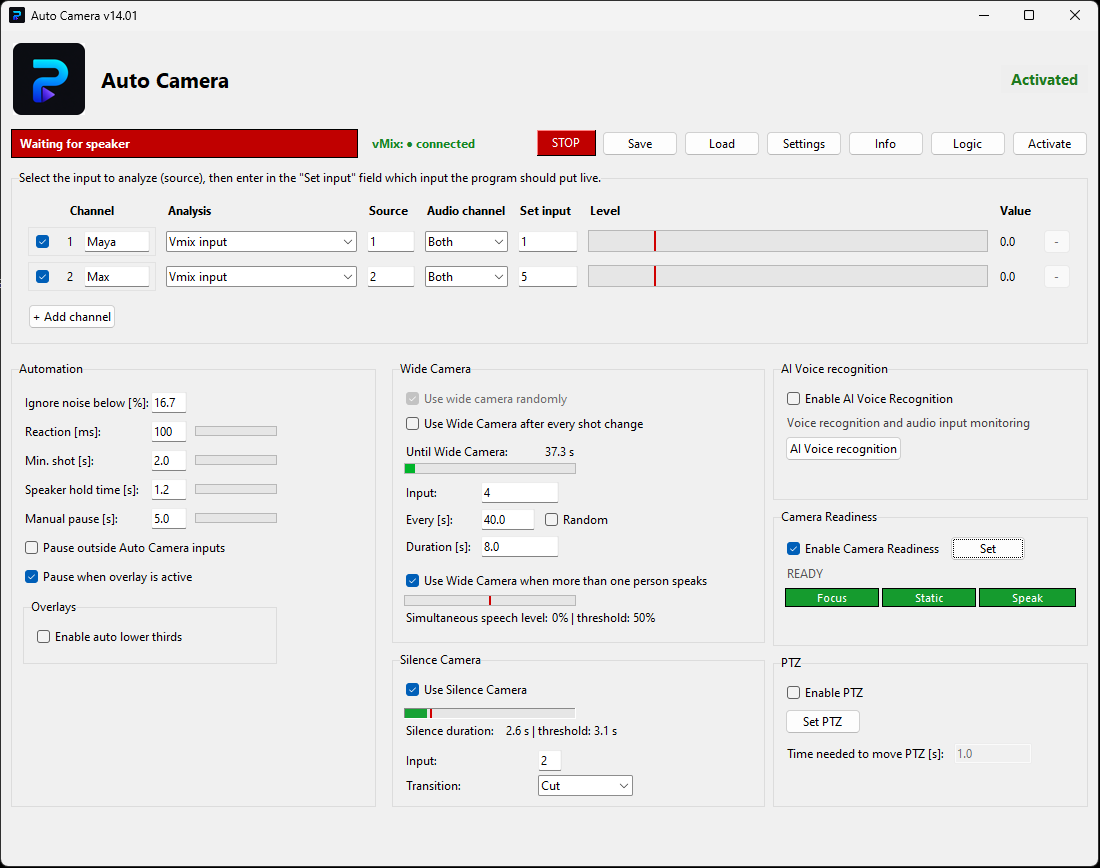
Auto Camera automatically mixes cameras based on the person currently speaking. The application is completely free, with no time limit and no feature restrictions for non-commercial use and testing. If you use it for paid productions, client work or other income-generating activity, an active commercial license is required.
 Ducking Audio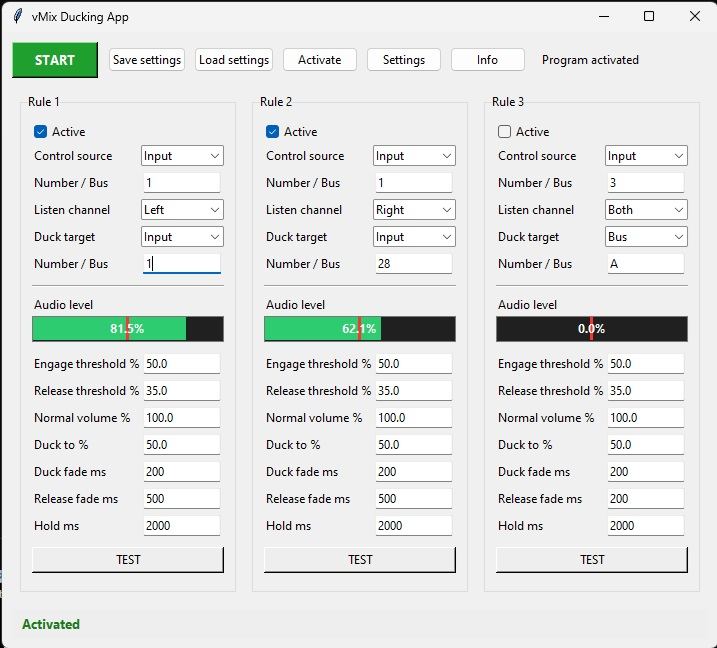
Ducking Audio automatically lowers selected audio sources when another source becomes active. It is designed for live productions, podcasts, conferences and simultaneous interpretation workflows where one signal should temporarily reduce the level of another. Try every feature free for 60 days; an active monthly subscription is required afterward.
Examples of real productions where Auto Camera creates the camera mix automatically, letting the conversation lead the shots.
A live production created with automatic camera switching driven by the active speaker.
See how Auto Camera follows the rhythm of a multi-person conversation without manual cuts.
A complete example of a production delivered with Auto Camera handling the camera changes.
Simple browser-based apps. You can use them during live productions without installing additional software.
A tool for collecting and displaying questions during live productions. Questions can be added from a phone, tablet or computer and then displayed as a Browser Source in vMix.
A simple countdown timer designed for live productions. It runs directly in the browser and can be added to vMix as a Browser Input.
A simple teleprompter for reading text during live streams, webinars, presentations and video recordings. It runs directly in the browser and allows smooth text scrolling.
If you have questions about the plugins or an idea for a vMix plugin, contact me and I will try to help.
Plugins For Live is a software brand operated by AZ Tomasz Cedro.
NIP: 5361869704
Artura Grottgera 14/1, 05-120 Legionowo, Poland
support@pluginsforlive.com
+48 536 800 099